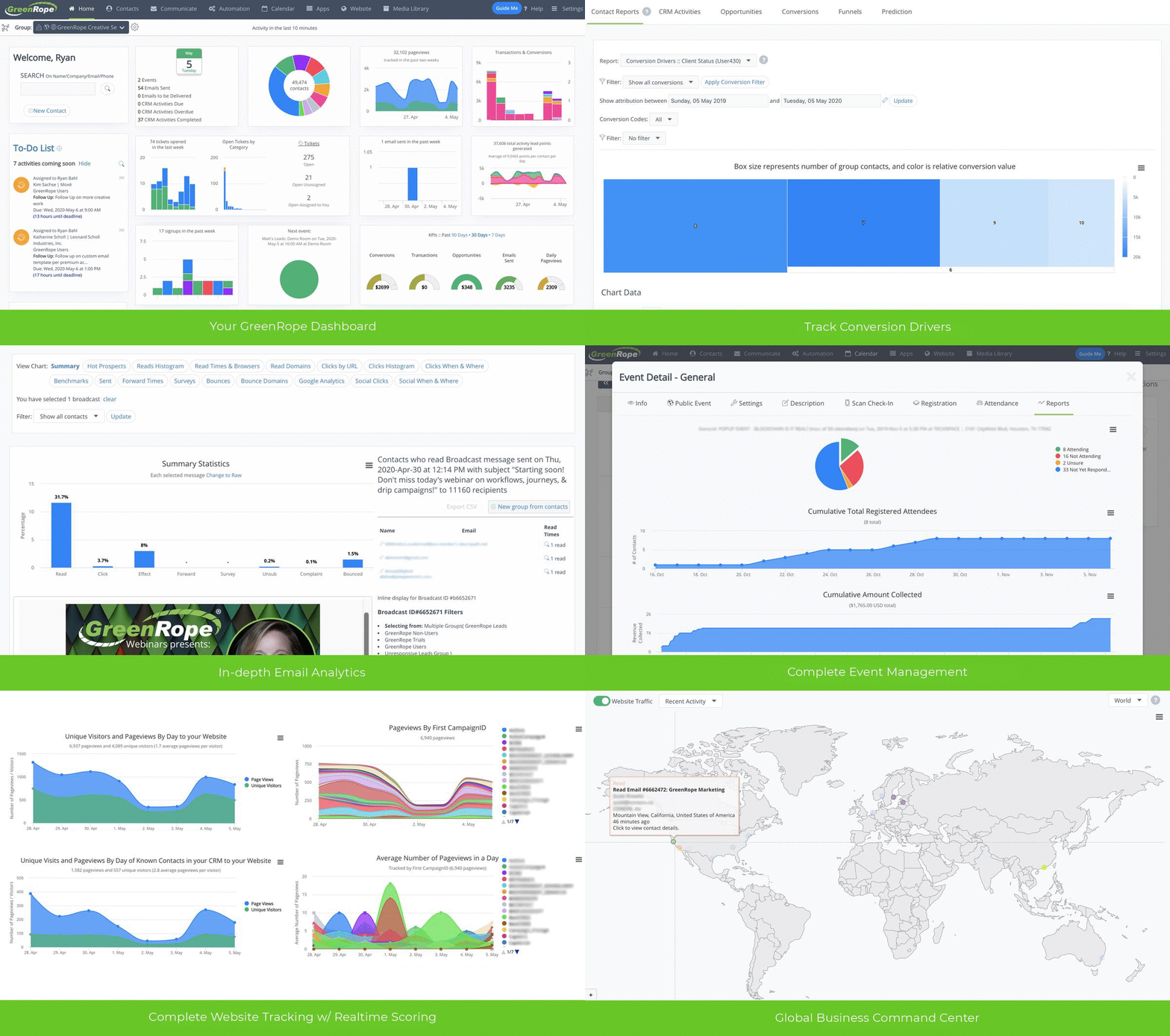
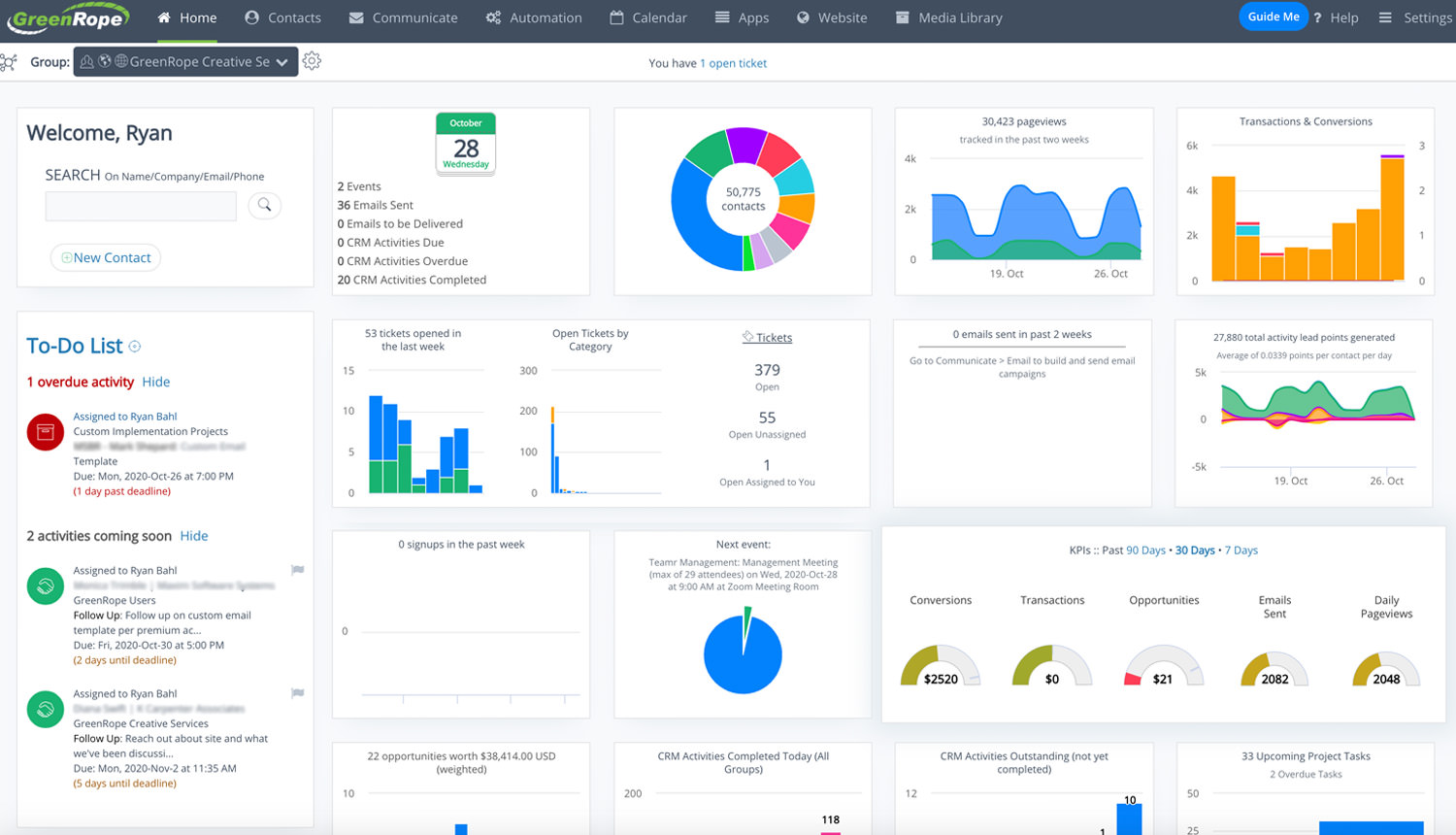
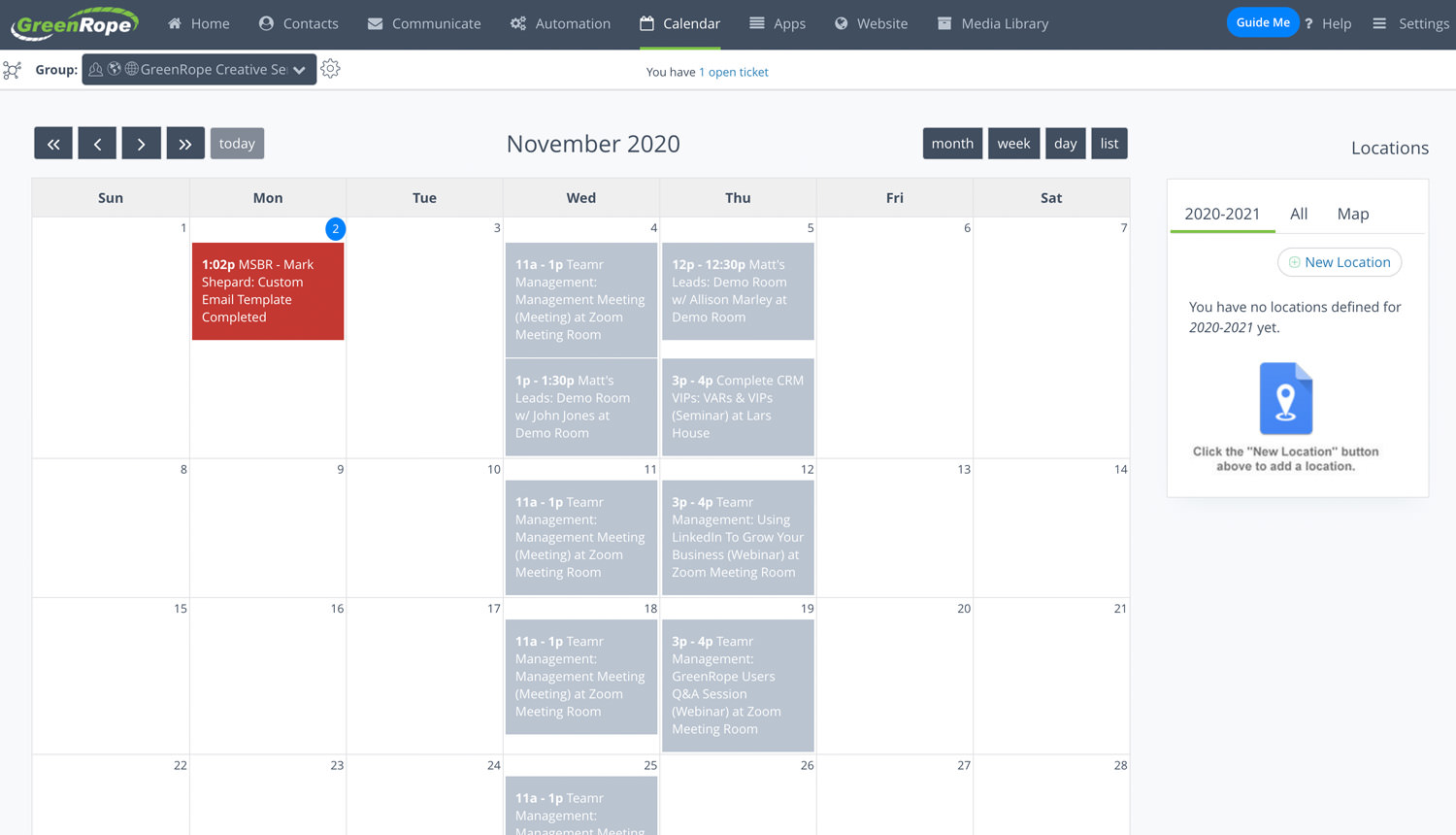
GreenRope was one of the first and most comprehensive all-in-one solutions on the market. That means, you get everything you need for sales, marketing, customer service, and operations all in one place. All our features are always included at any subscription level.
Why all-in-one?
For your business to run smoothly both for your customers and your team, you need integrated data, departmental collaboration, and cohesive sales and marketing strategies. GreenRope was built for your entire team, not just pieces of it.
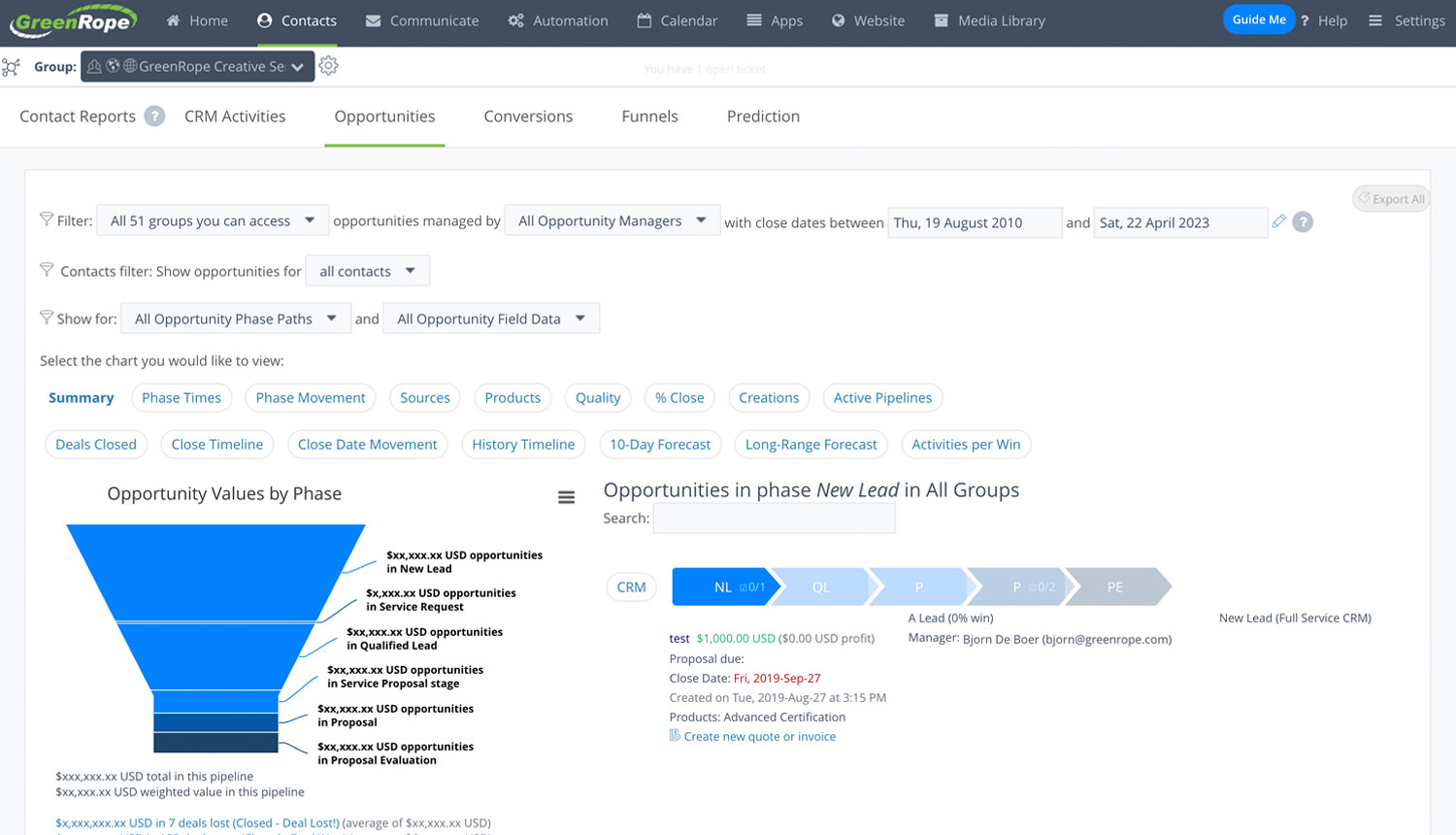
Your account comes with sales, marketing, customer service, and operations tools integrated into one system, so you get a full 360-degree view of your business with no need for additional software solutions.
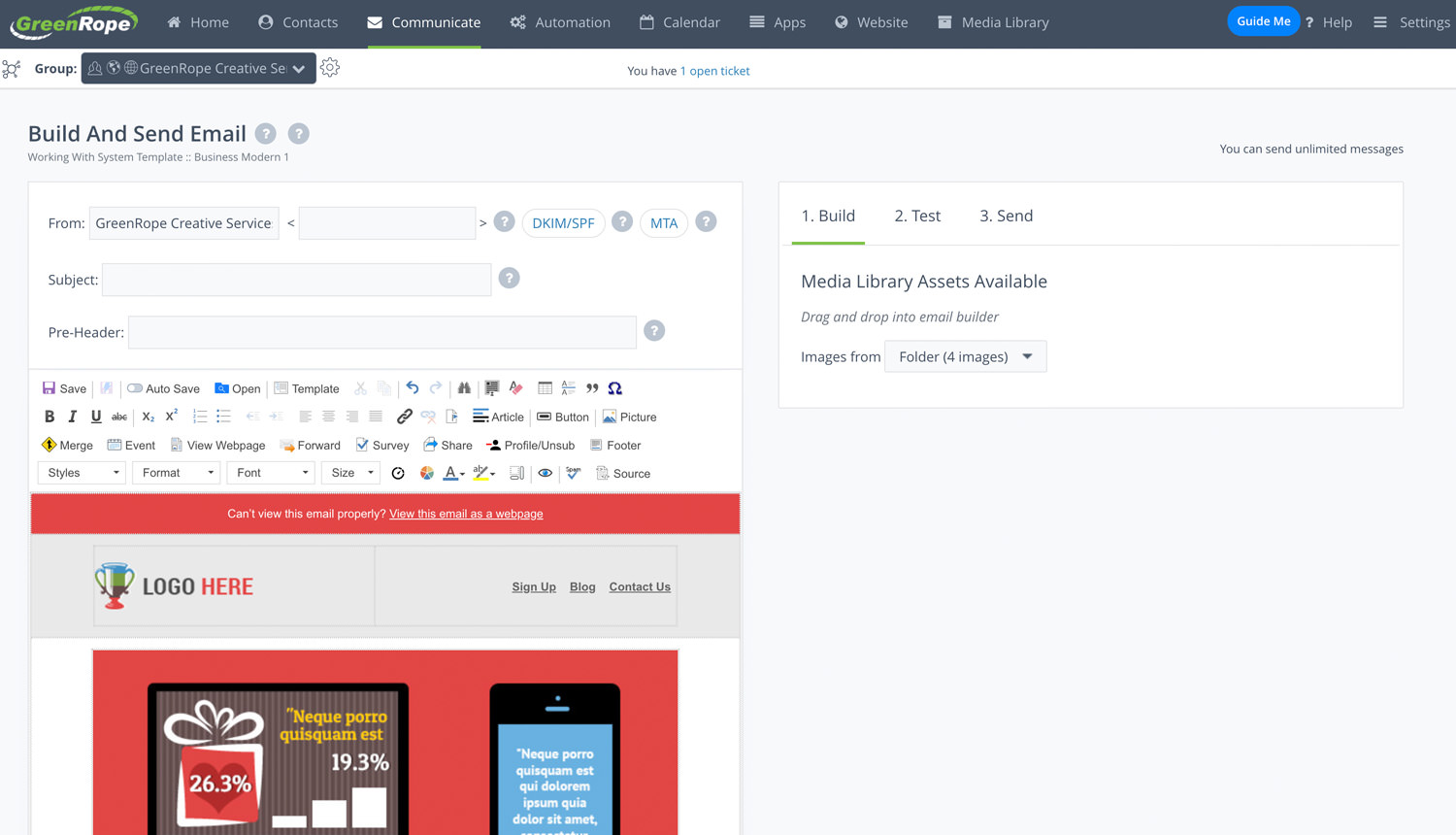
Design and execute dynamic automated marketing campaigns with GreenRope’s marketing tools. Design customized customer journeys, track performance, and more.
"Greenrope is an ideal solution for our needs in an integrated Customer Relationship Management tool. The technical and marketing expertise of Greenrope is excellent and helps us achieve our goals!"
"Email marketing, event management, membership management, analytics and workflows all in one place! There aren't many CRM's that also handle email marketing and tie in registration for events."
"Greenrope allows me to run my complete business from stem to stern without having to purchase any other unnecessary software applications."
"We have been using GreenRope for our website and Customer Relationship Management for a few years now and find it extremely user friendly, not to mention cost effective in compared to competitors."
Affordable Pricing Plans
Save over 90% total cost of ownership with GreenRope's CRM, while bringing your sales, marketing, and operations teams together.
(Save up to 20% off on annual plans)
Affordable Pricing for Any Sized Business
Sales, Marketing, and Operations features of the system starting at just...